One seed, every channel it can reach.
Assumed Seeds are working email addresses and phone numbers that behave like real consumers. Plant one, and every call, text or email it receives becomes evidence. Use it to coach a partner's cadence or prove they didn't misuse your data.
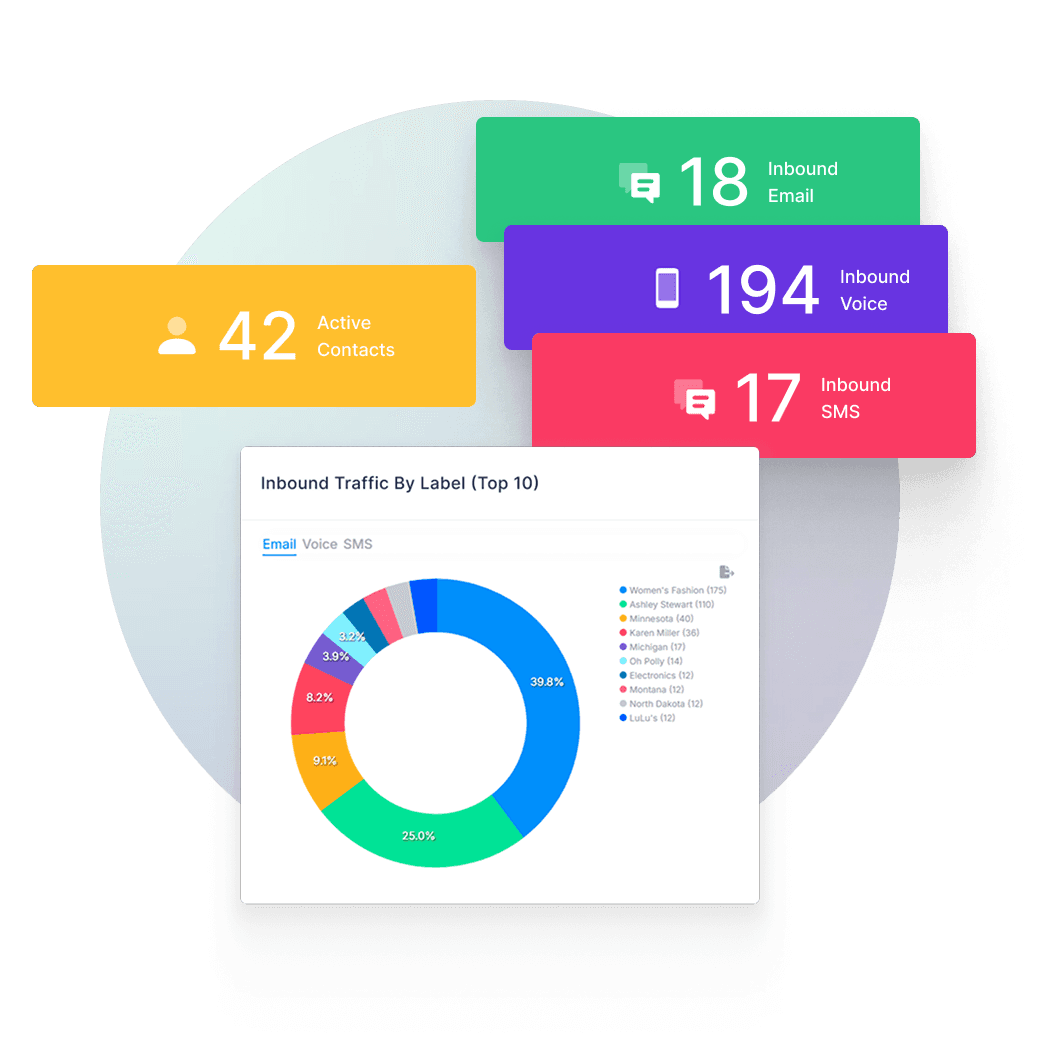
Every seed you plant reports into one inbox — this is Assumed.
Assumed Seeds and the Assumed Inbox aren't two products. The seed is the contact you plant, the inbox is what it reports back to. What you get with it:
Timestamps
Precise timing for every message a seed receives, just like your own inbox.
Labels & classification
Tag seeds for what you're watching for, or who you're auditing. Use labels such as the company's name, data leaks, insider threats, honeypots and honey credentials or funnel stage (seller/buyer, top-of-funnel/bottom-of-funnel), so you can trace activity back to exactly what it's testing for.
Evidence trails
An immutable, audit-ready record of every contact a seed received.
Whitelisting
Mark approved contacts so only unexpected activity flags for review.
Analyst notes
Add context, screenshots, and collaborate with your team on a seed's history.
Reports & alerting
Know the moment something goes wrong downstream, not weeks later.
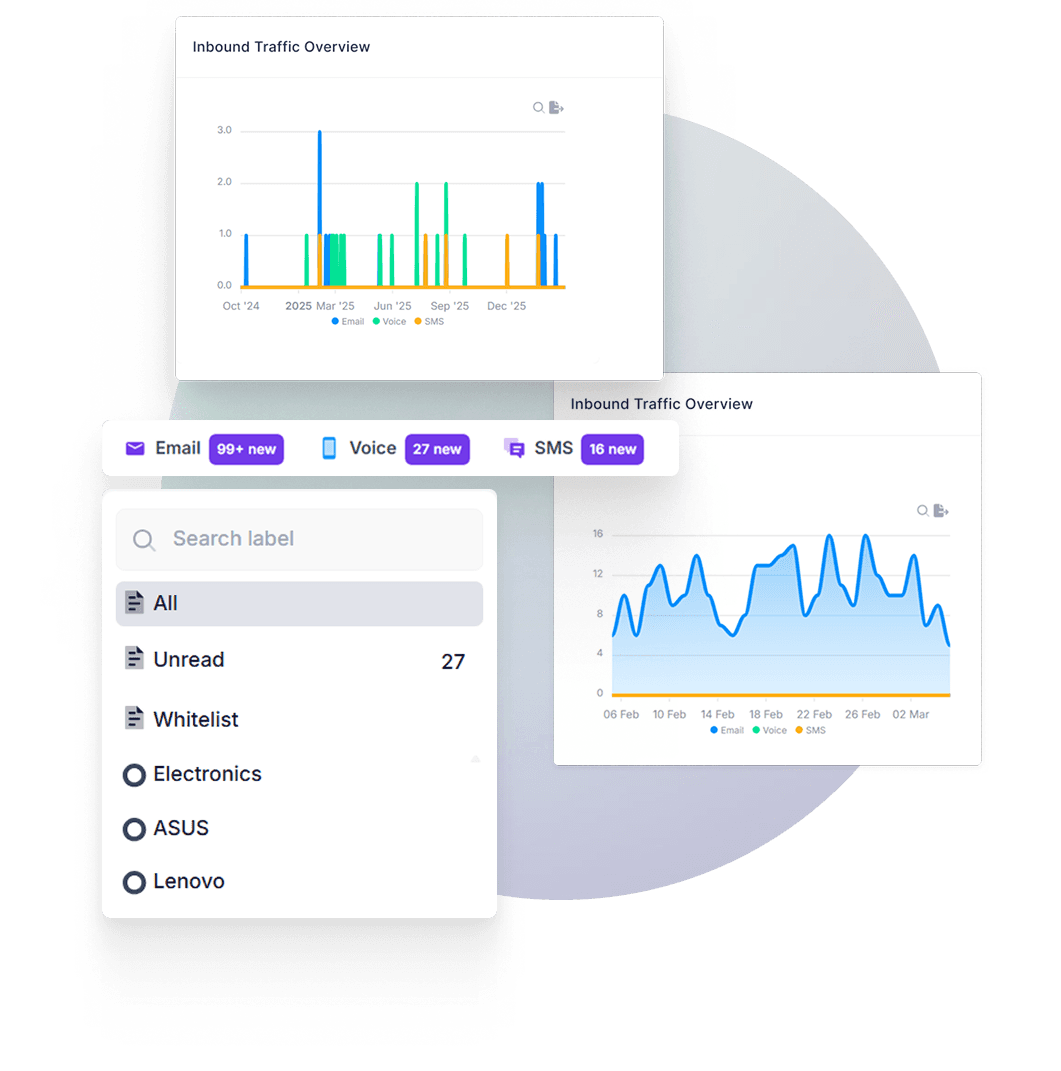
Set a target cadence. See the actual messages.
Today, coaching a partner's follow-up means exporting a seed's activity and comparing it to your own standard by hand. We're building that comparison into Contact Notes directly and see the gap against what actually was sent to the contact.
This formalizes the manual process coaching clients already run today.
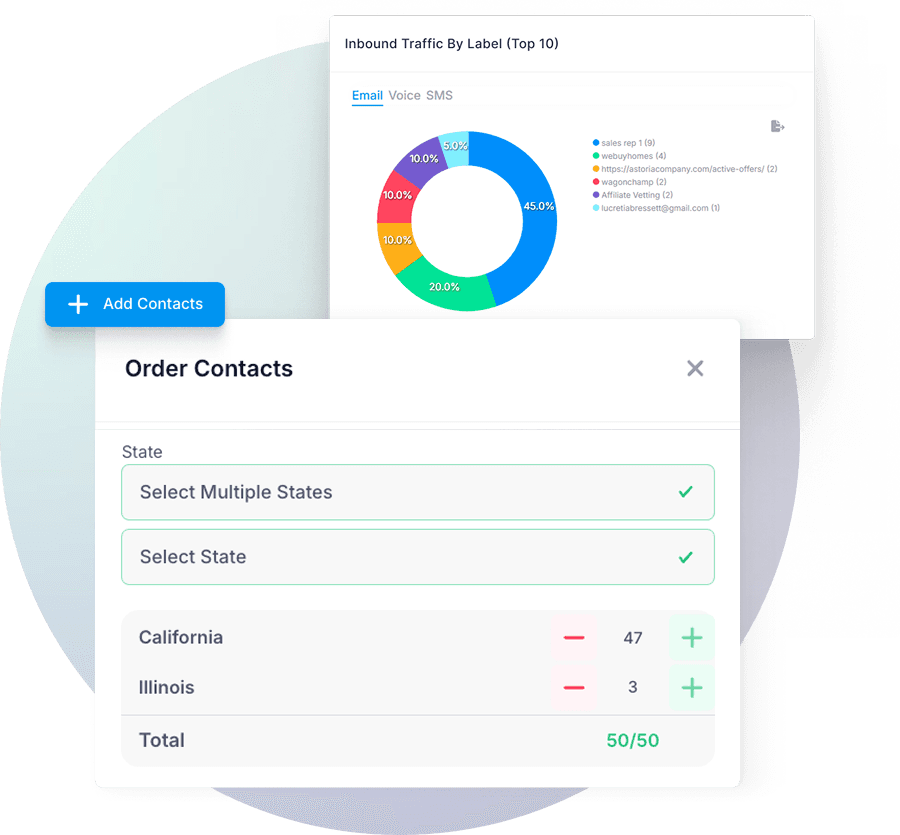
Order seeds by state, in minutes.
Pick the states you want your contacts to be from, set a quantity, set the labels, then your contacts are then ready to plant. No sales call, no demo, the same self-serve flow whether you need five seeds or five hundred.
Extend the workflow
Order and plant seeds manually from the dashboard, or reach for one of these when you want it faster, scored or automated.
Plant a seed without the copy-paste
Pick an unused seed and auto-fill it into a partner's form, then the Chrome extension logs the Contact Note for you.
Install from Chrome Web Store →Score a partner before you seed them
Domain age, WHOIS history and landing-page checks, the Affiliate Vetter complements Assumed or you can run it independently for yourself.
Try the Affiliate Vetter →Automate seeding from your own stack
Fetch unused contacts, plant them, and tag placements automatically through API.
See the API docs →